Hang out in voice.
Keep your PC light.
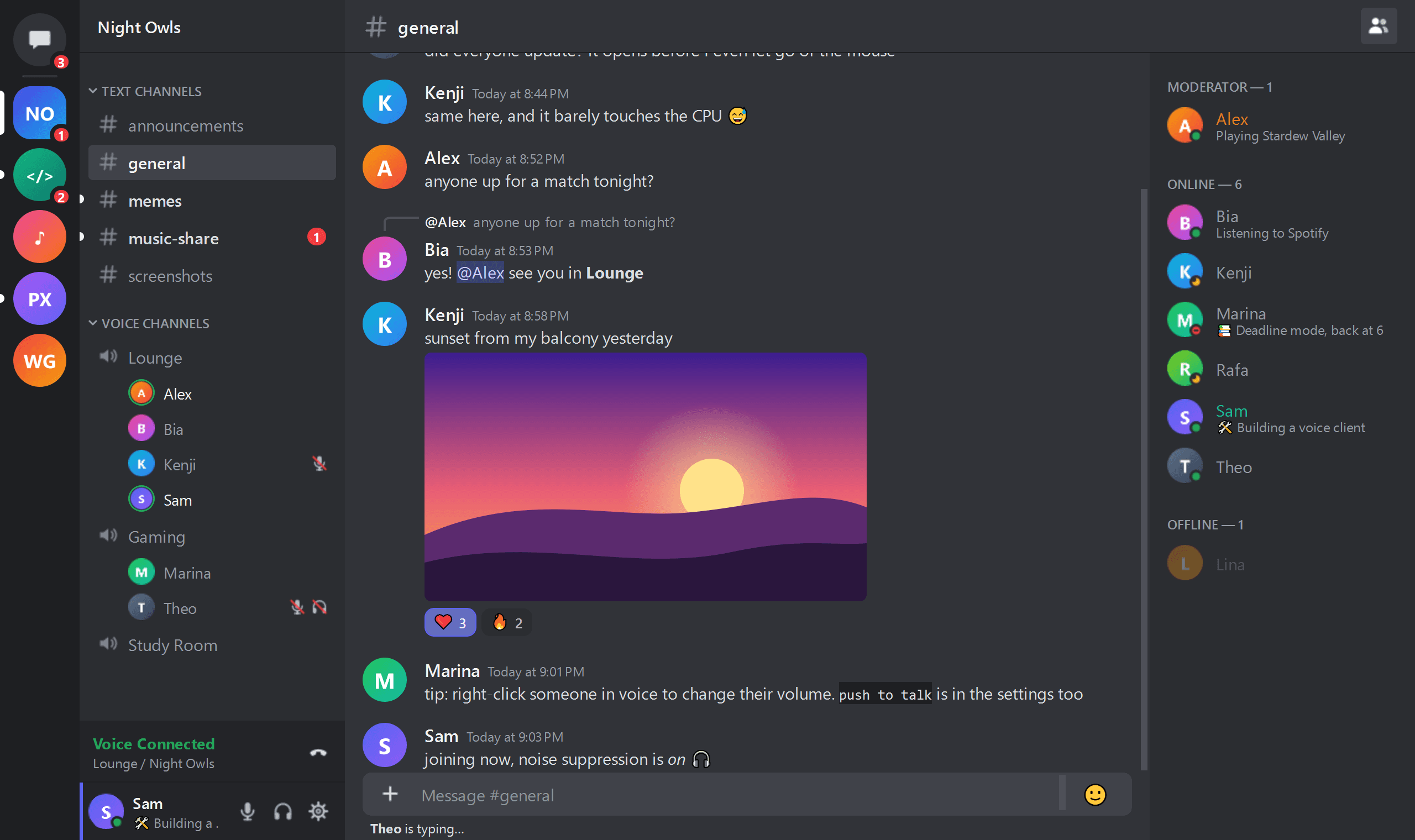
Snapcord is a native, lightweight Discord client focused on voice calls. No embedded browser, just C++ and Qt, so your games and apps get the memory back.
36MB
of RAM
logged in, every server loaded
0%
CPU while idle
event-driven, nothing polling
15MB
download
portable Windows build
Measured on a release build: Windows 10, 4-core PC.
Everything you need to hang out
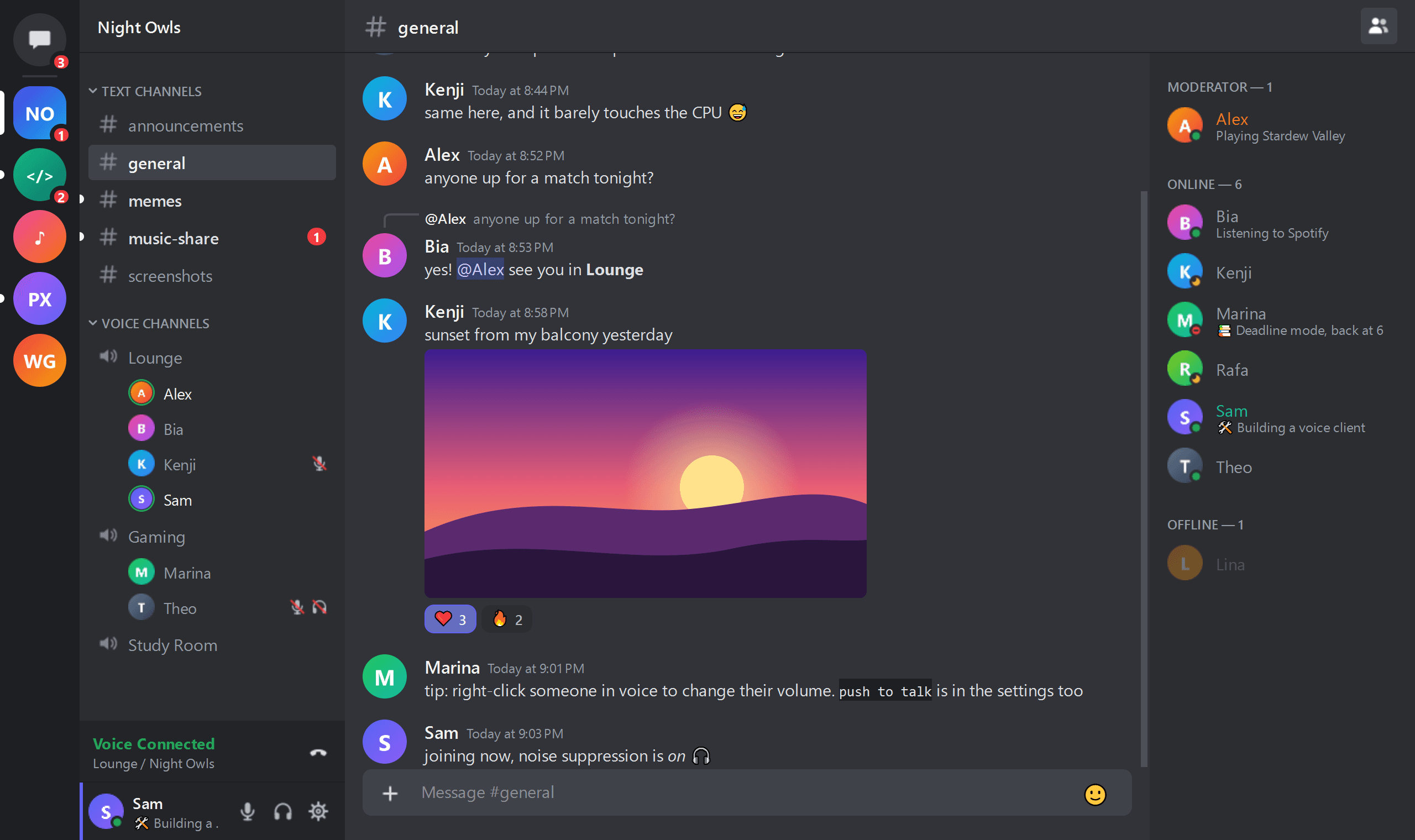
Voice first, but the chat is all there too. It looks familiar from the very first click.
Voice
Voice calls that just work
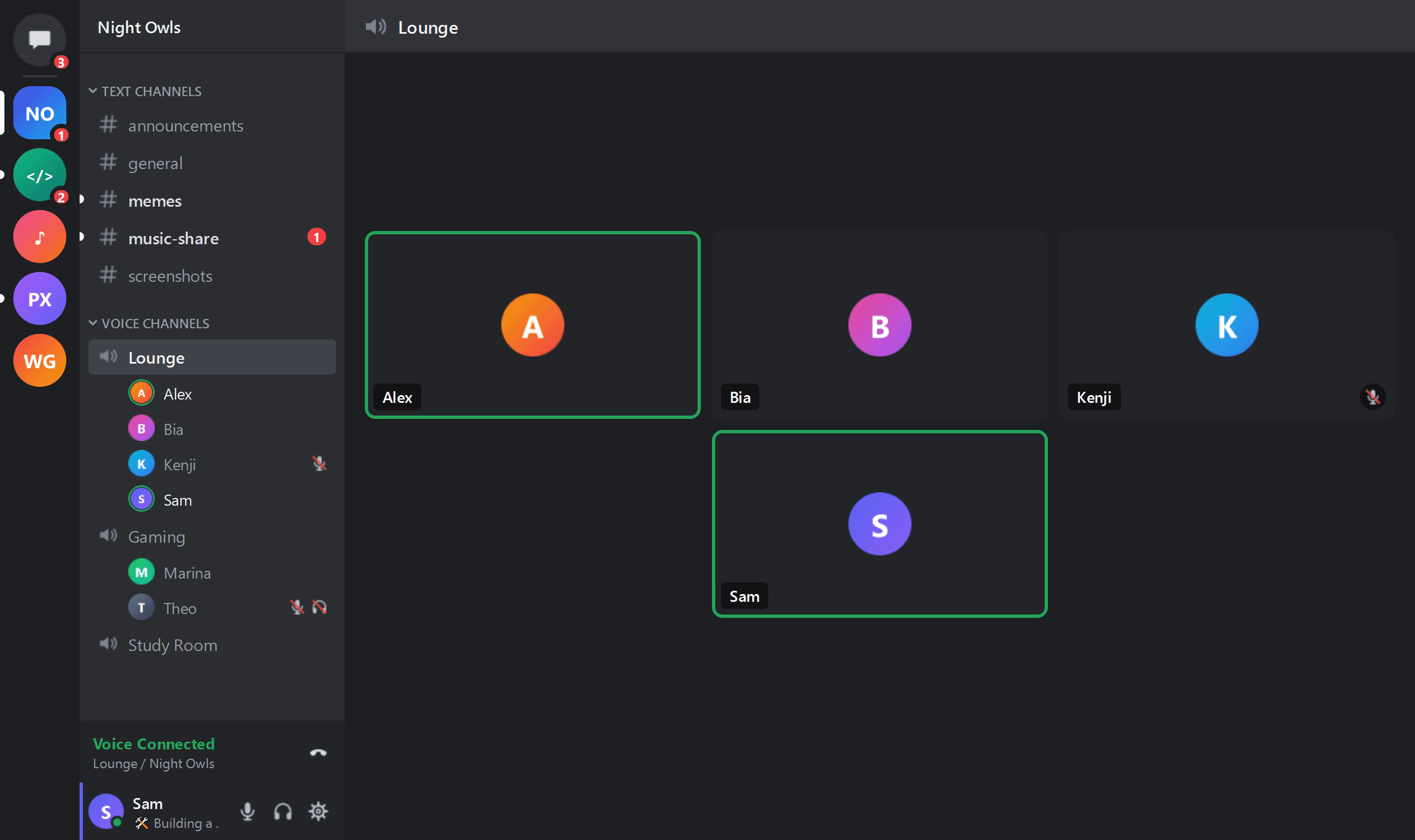
Join voice channels and call friends in direct messages or groups. See who is talking at a glance.
- End-to-end encryption (DAVE), just like the official client
- Noise suppression, echo cancellation and automatic gain
- Per-user volume and push to talk (Windows)
Chat
All your chats, none of the weight
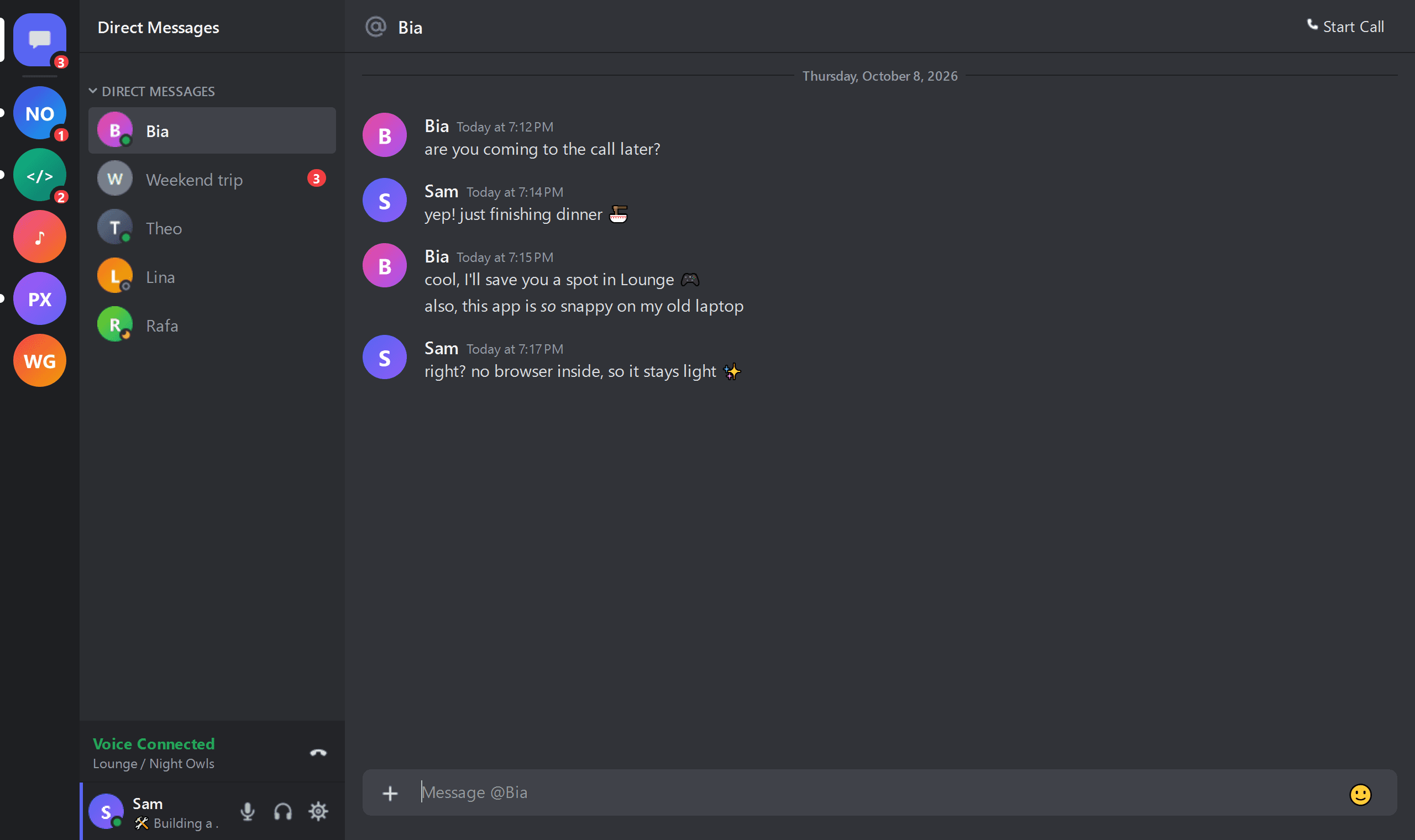
Text channels and direct messages with markdown, emojis, images, embeds, replies, reactions and editing.
- Unread indicators so you never miss a thing
- Notifications for direct messages and mentions
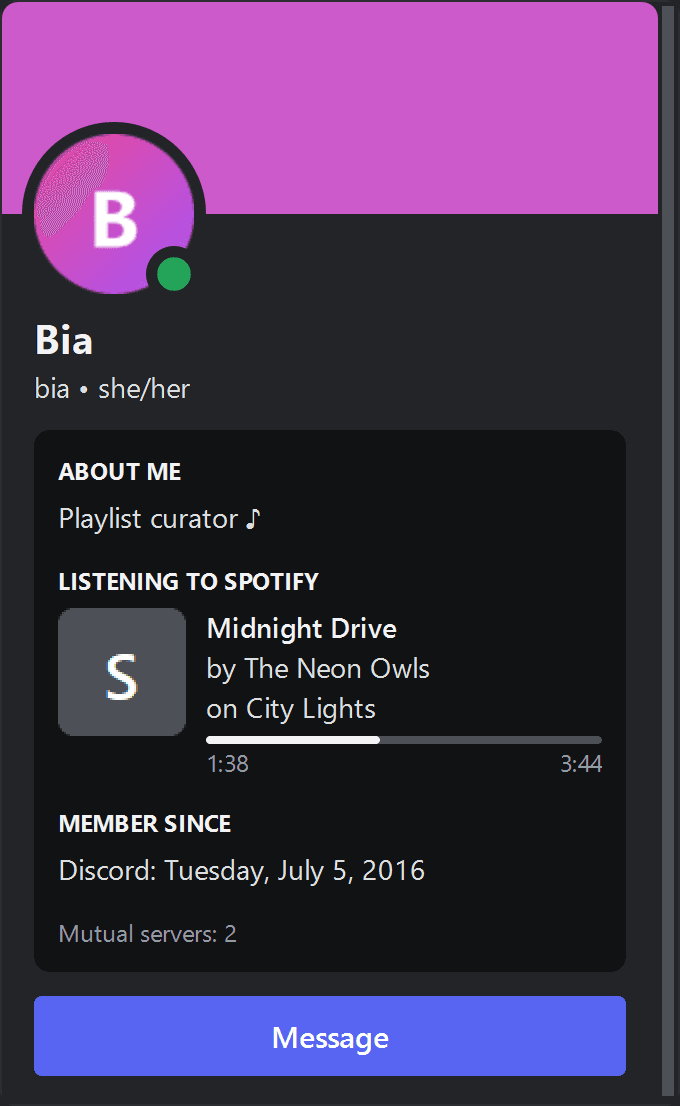
- Profiles with status, activity and what friends are listening to
Profiles
Say hi to your friends
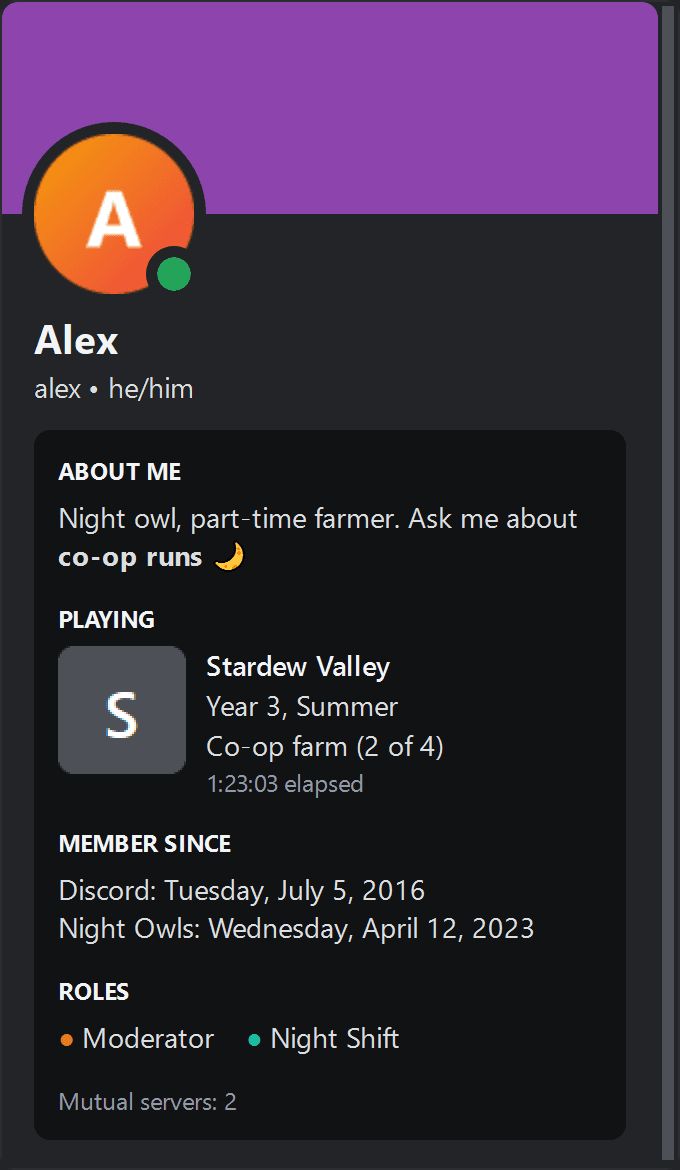
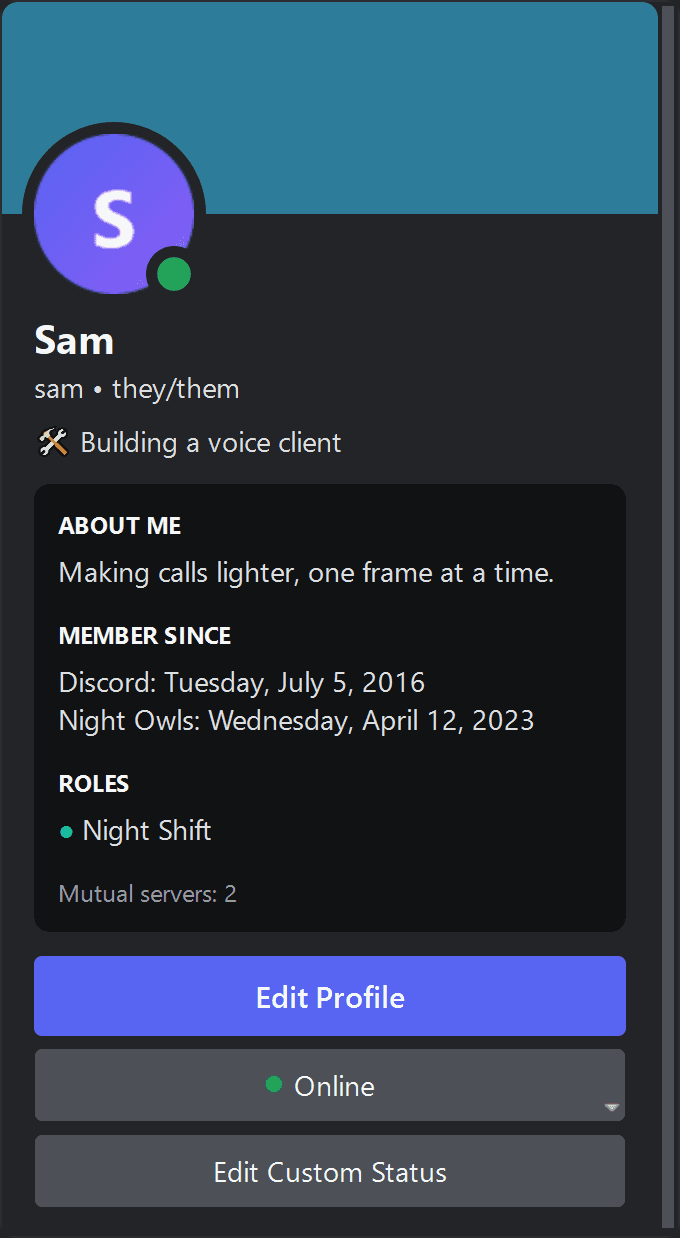
Open anyone's profile to see their bio, status and activity, or edit your own without leaving the app.
- Rich profile cards with activities and music
- Edit your own profile right inside the app
- Faithful layout: no learning curve
Settings
Tuned to your setup
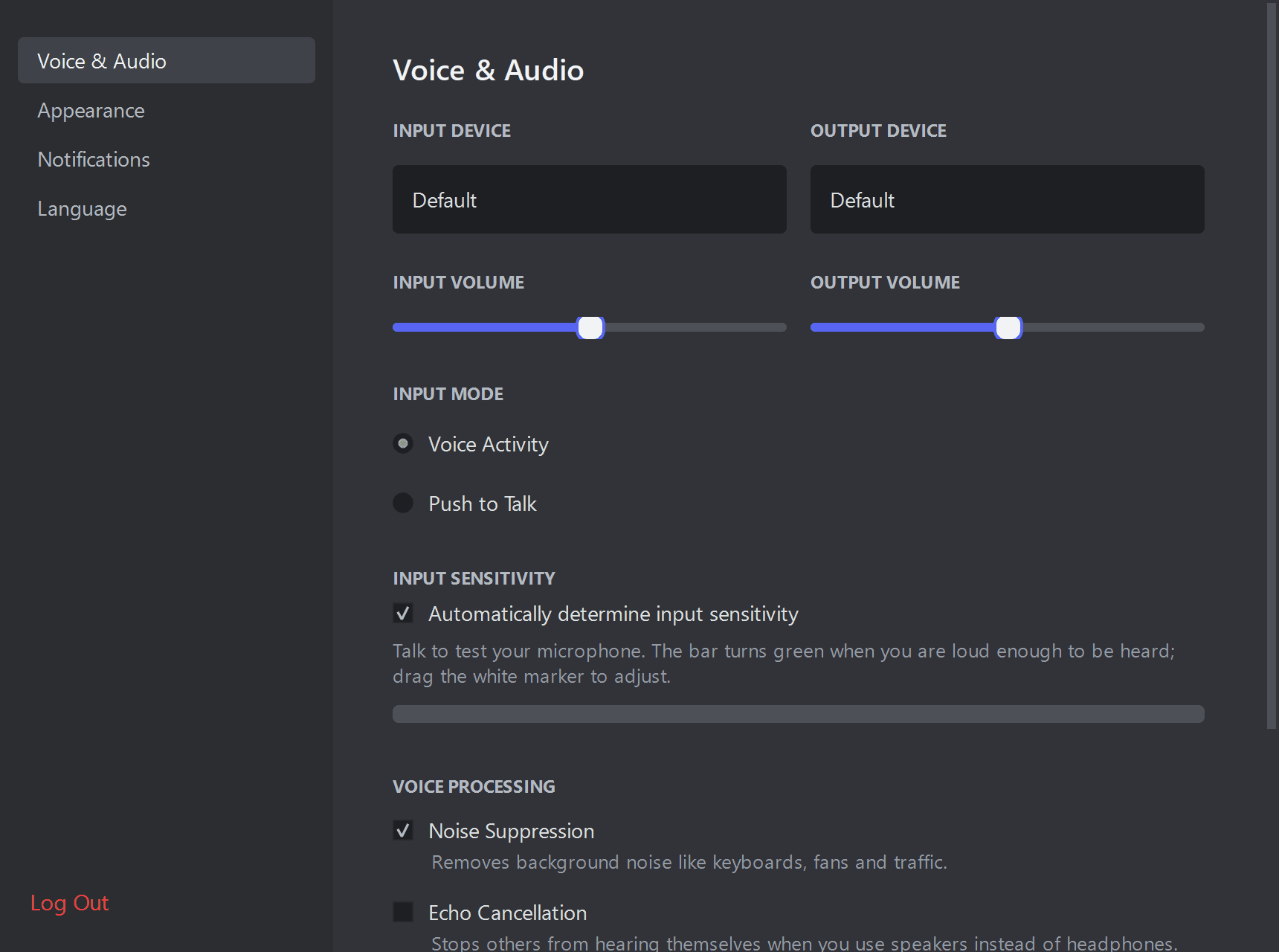
Pick your microphone and speakers, set up push to talk and tweak audio processing in a clean, simple settings screen.
- Voice & audio, appearance, notifications and language
- Available in English and Brazilian Portuguese
- Themes and colors stay on your device
Make it yours
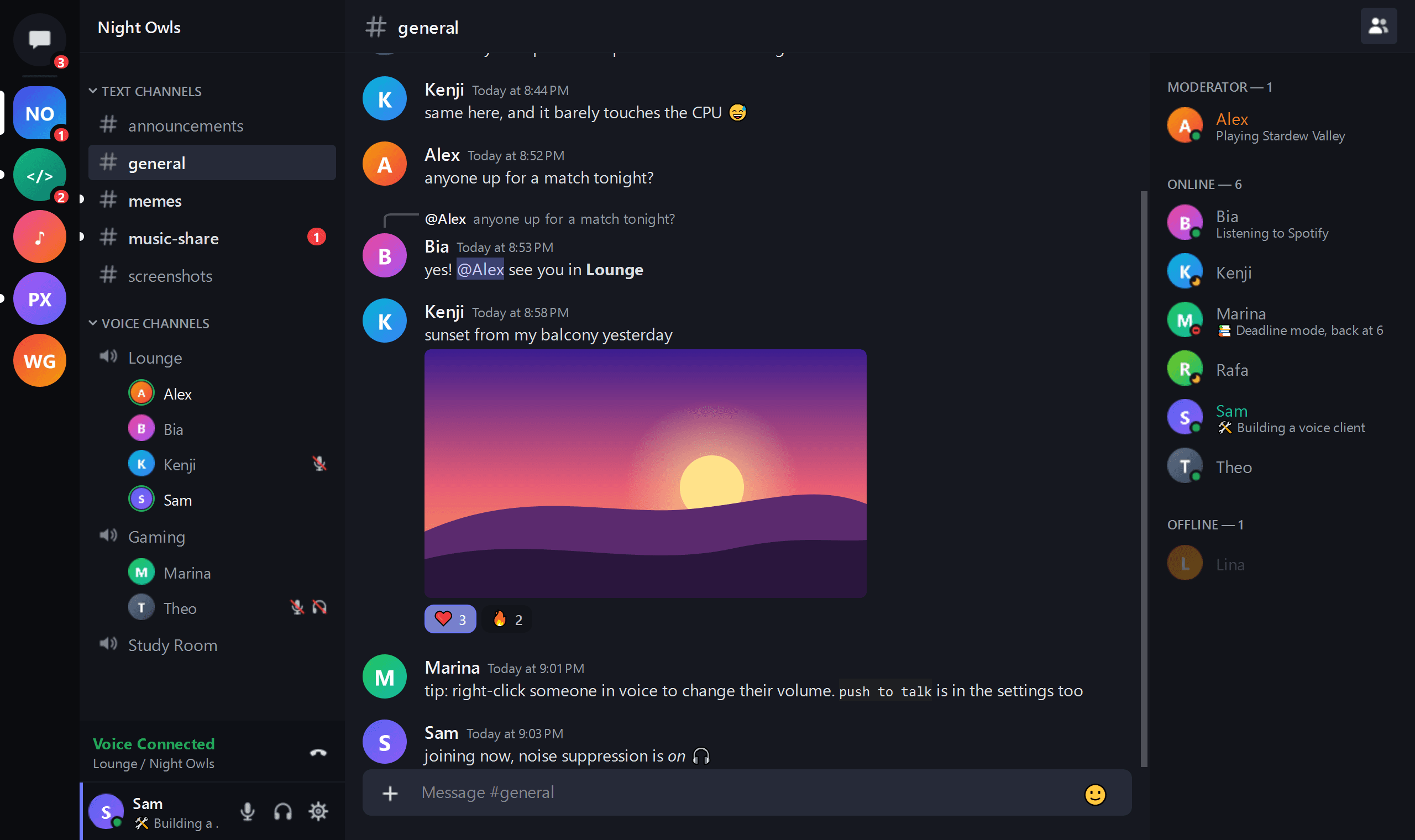
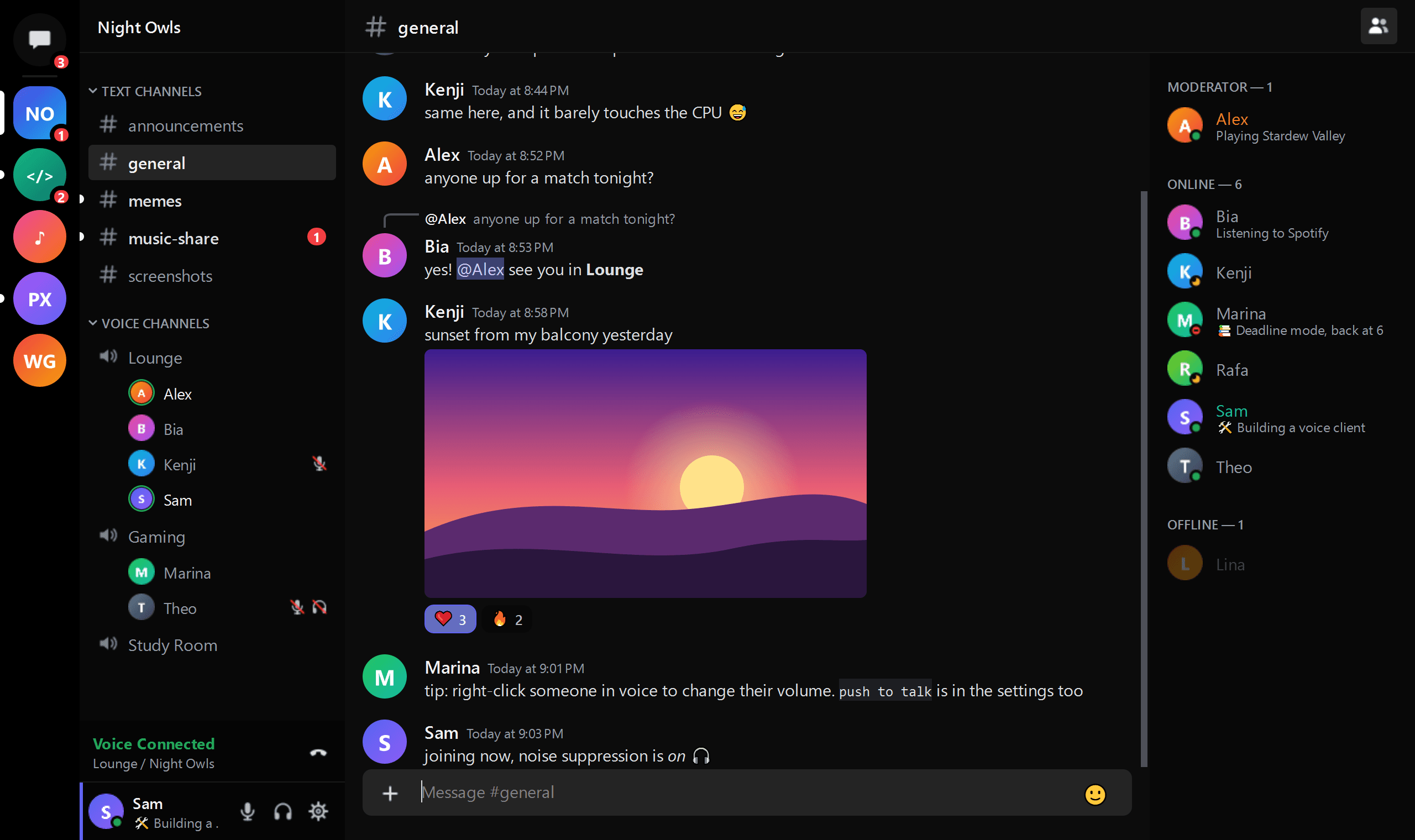
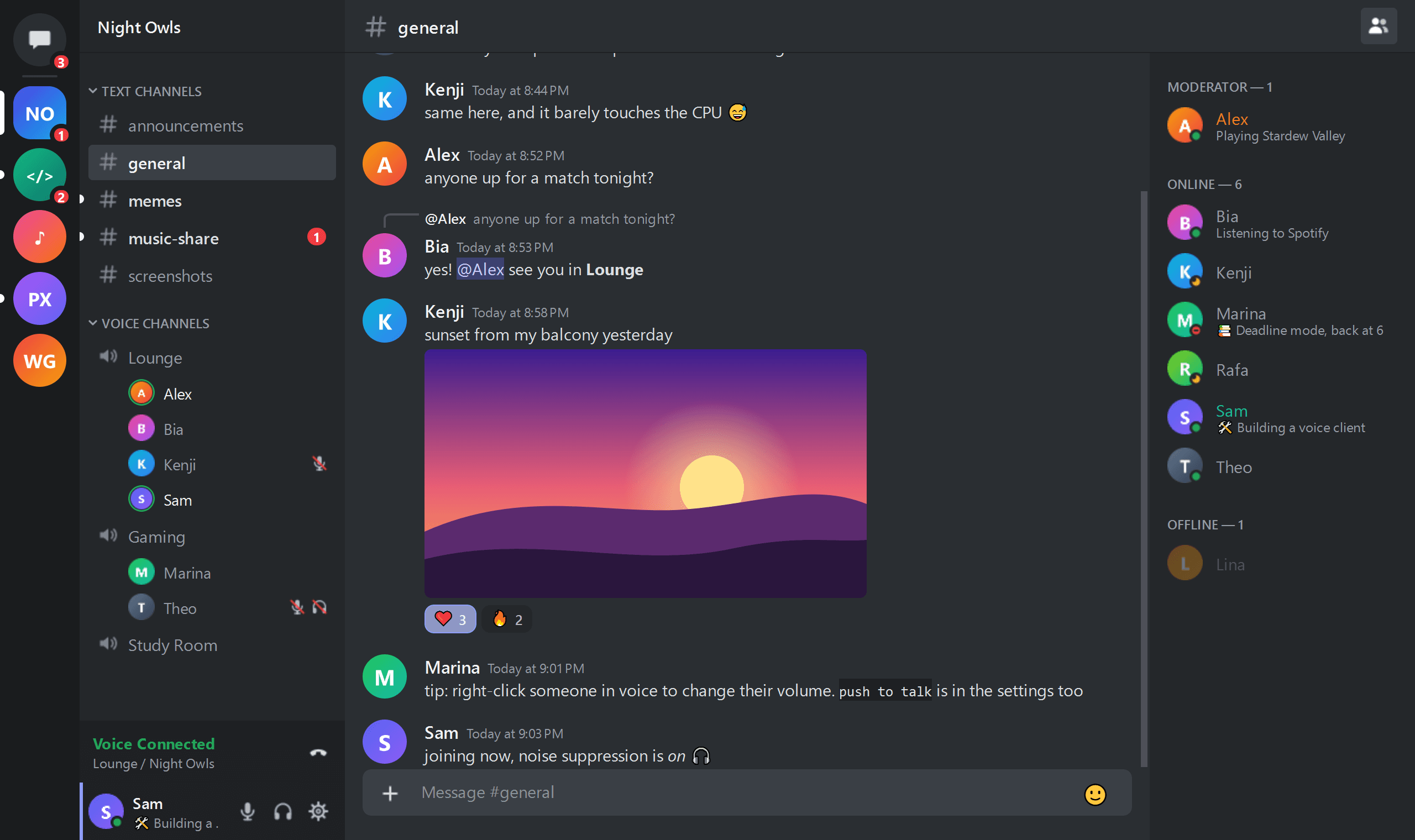
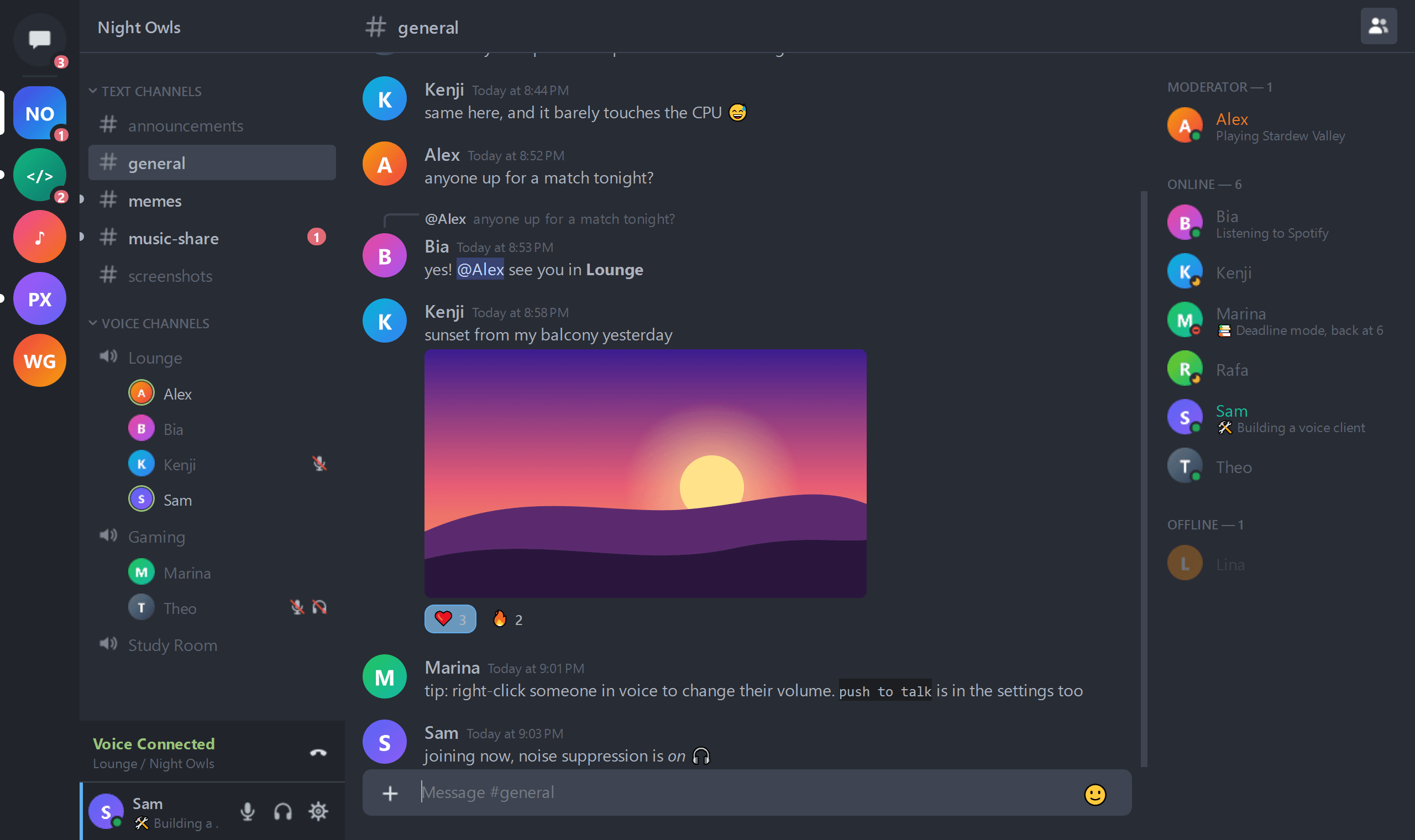
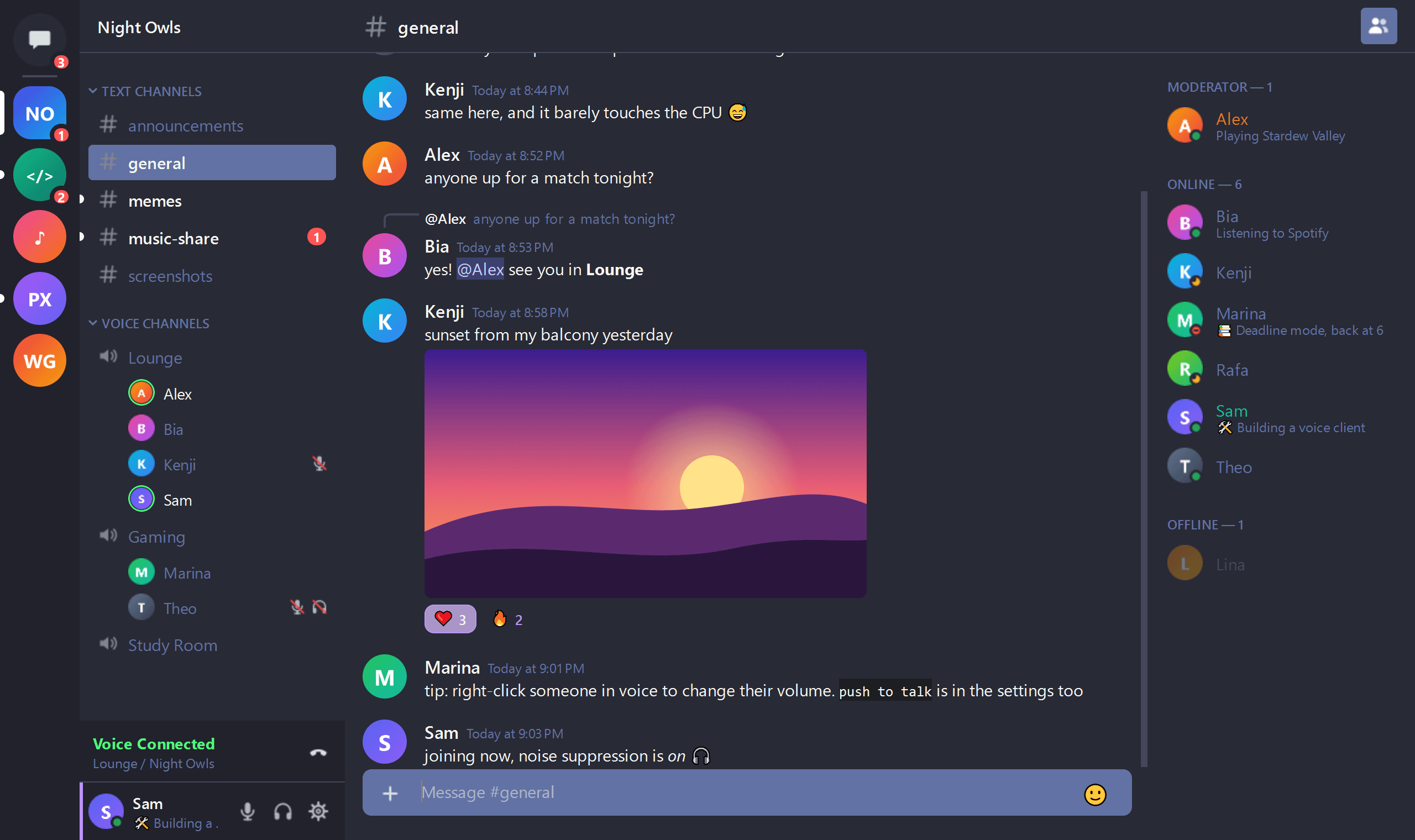
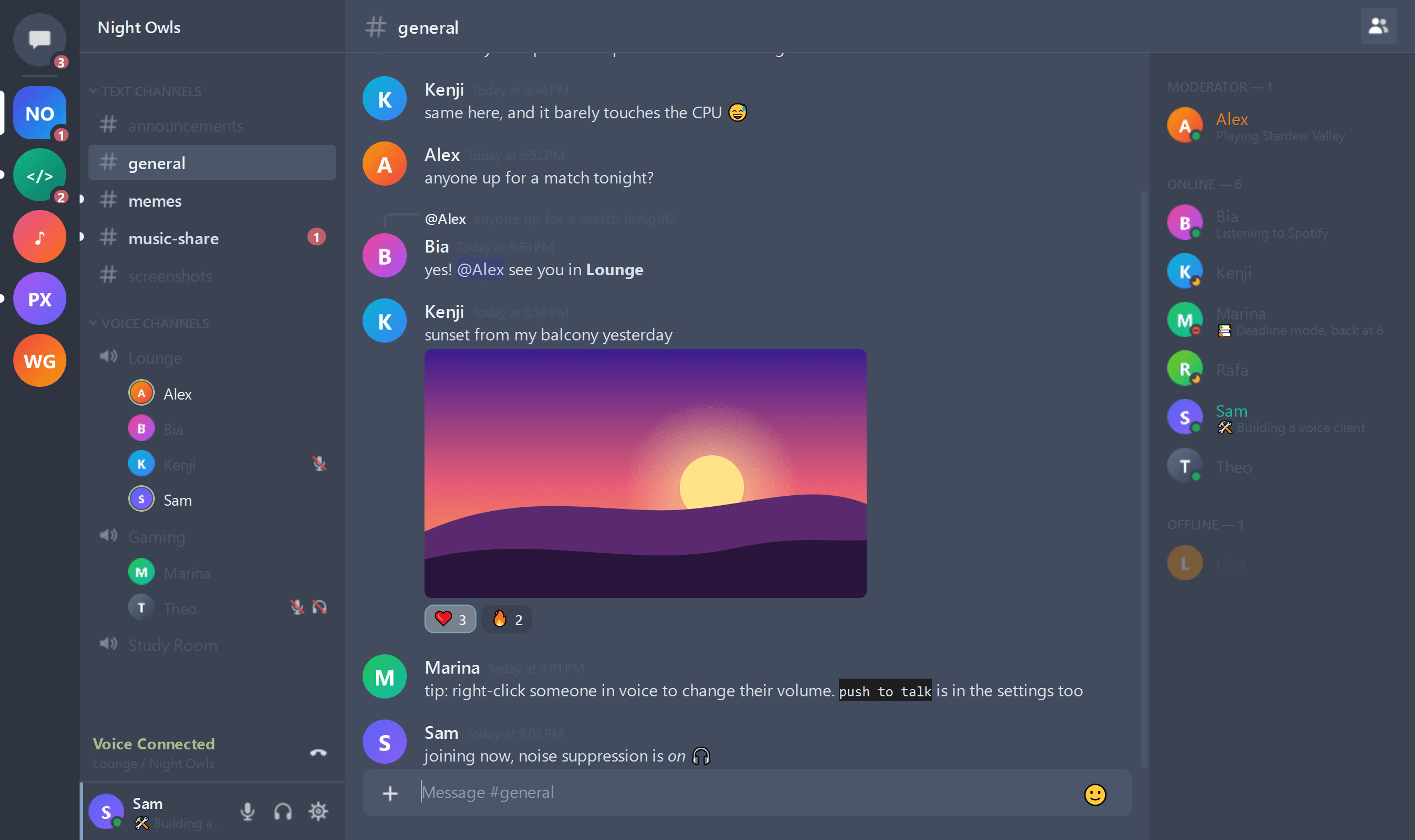
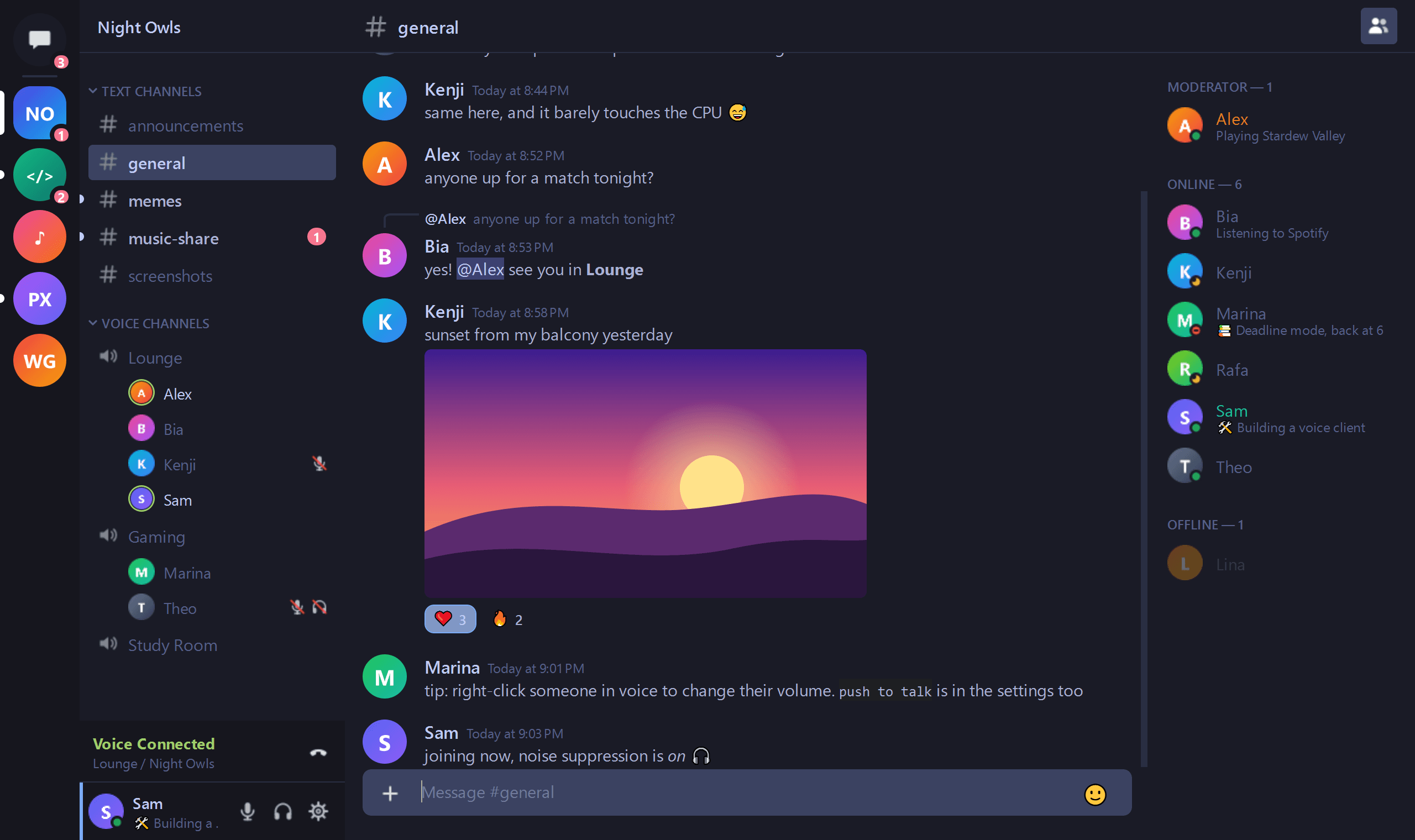
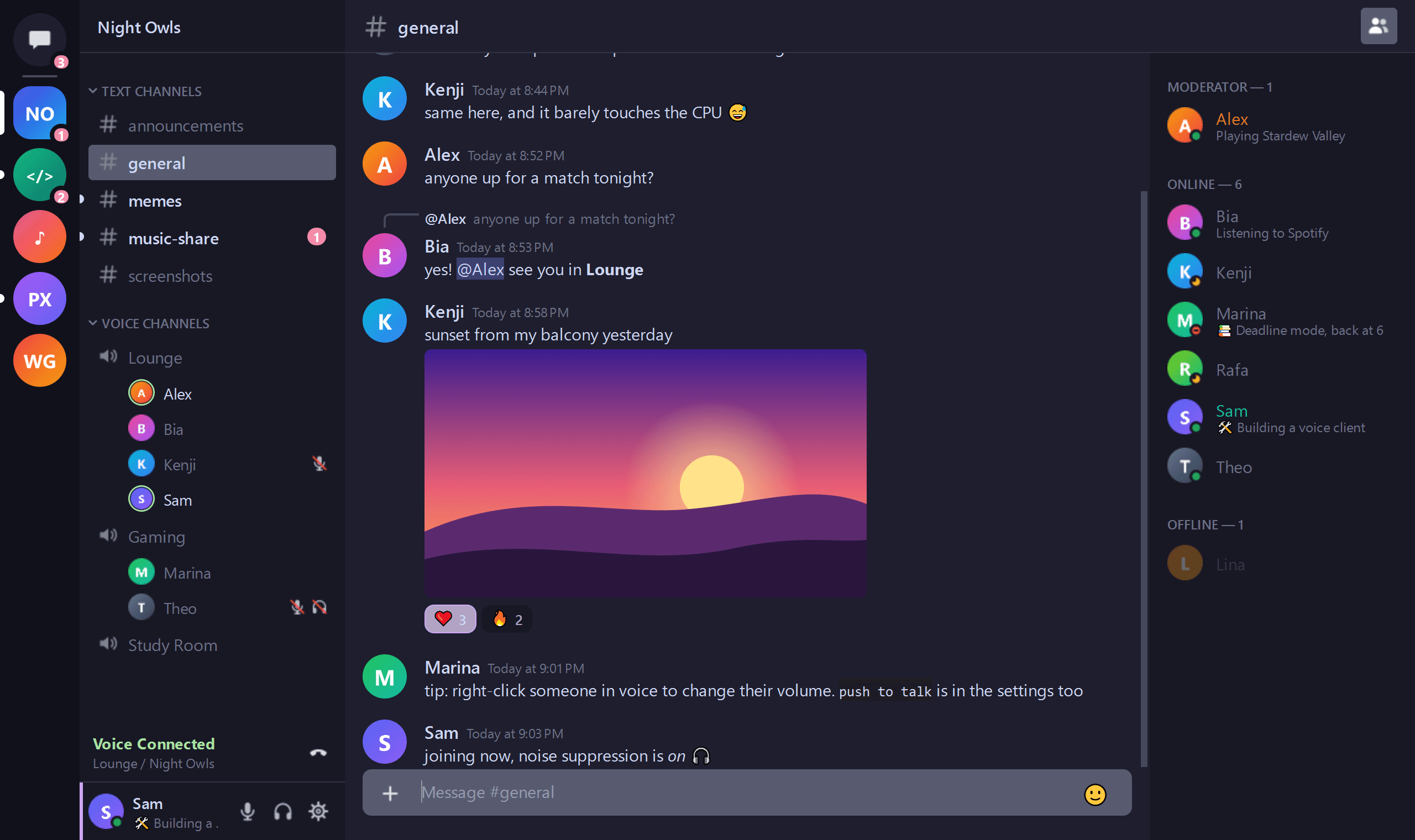
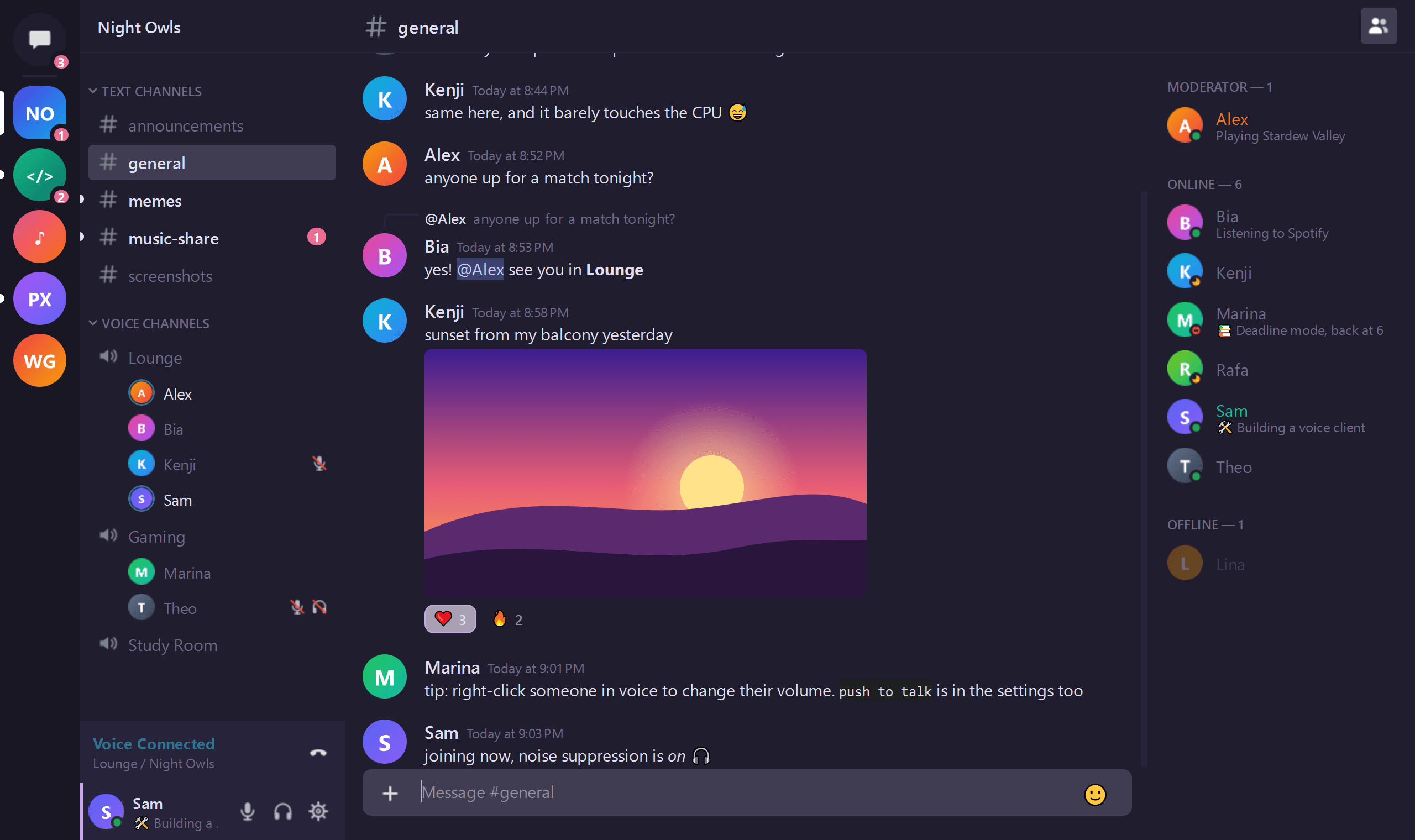
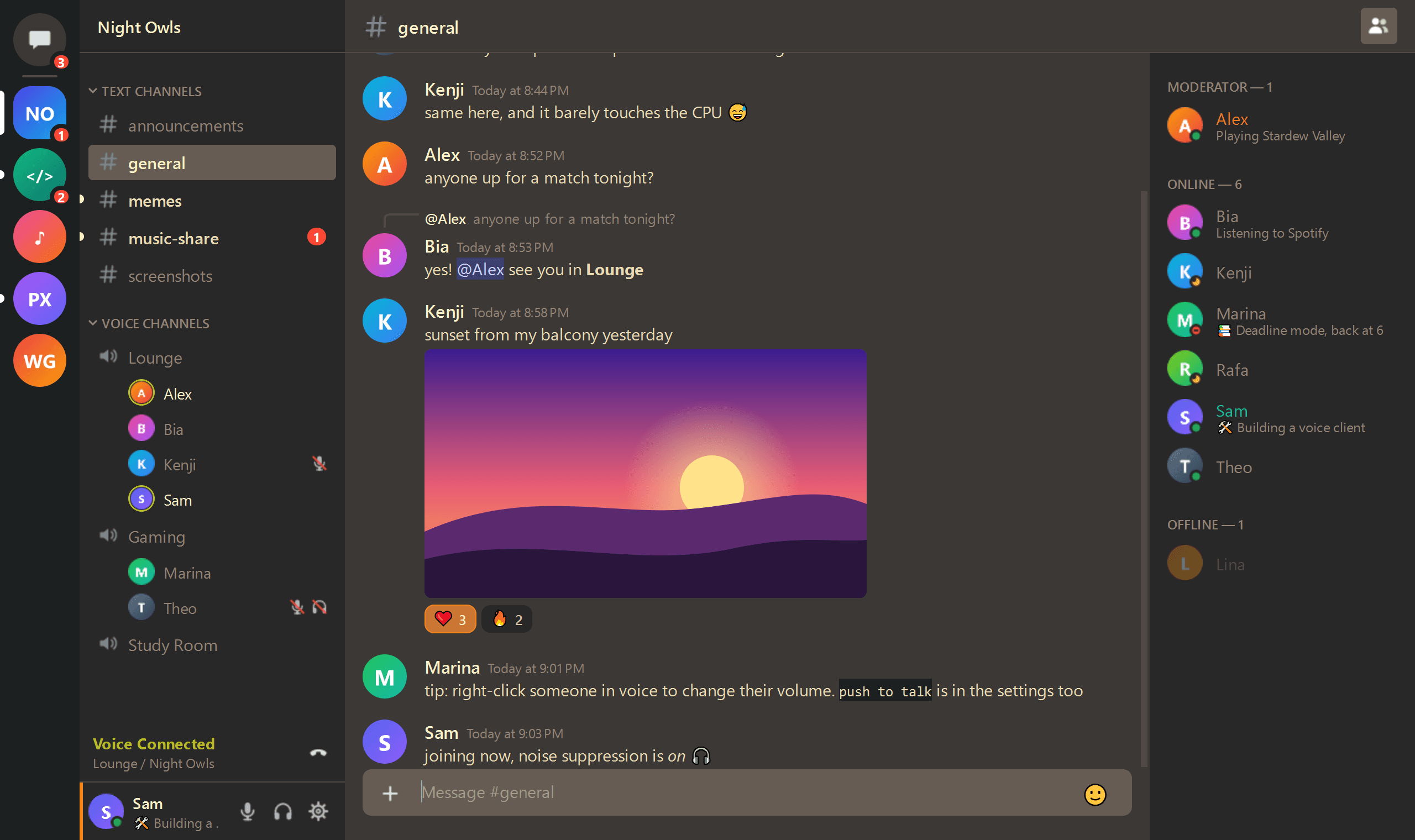
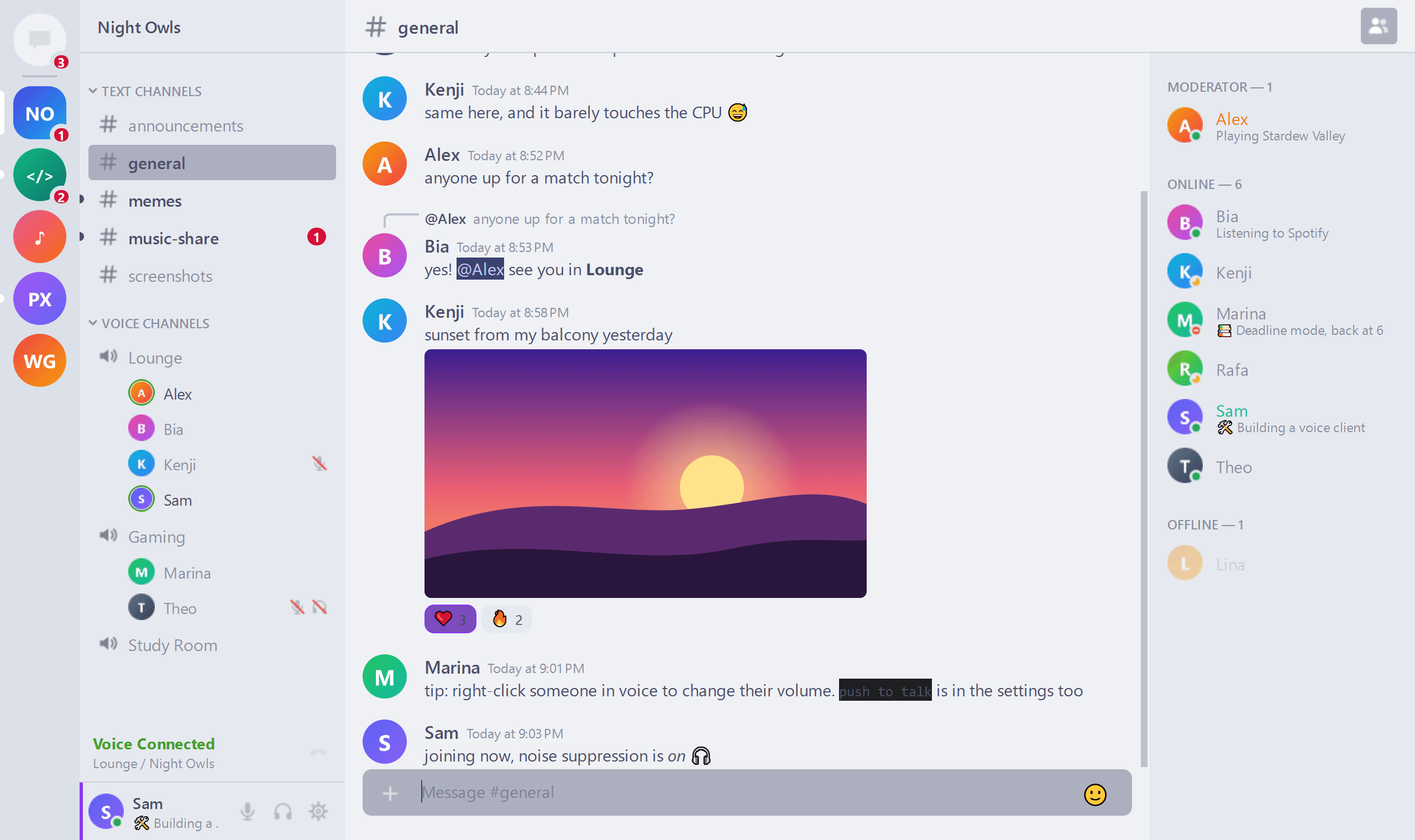
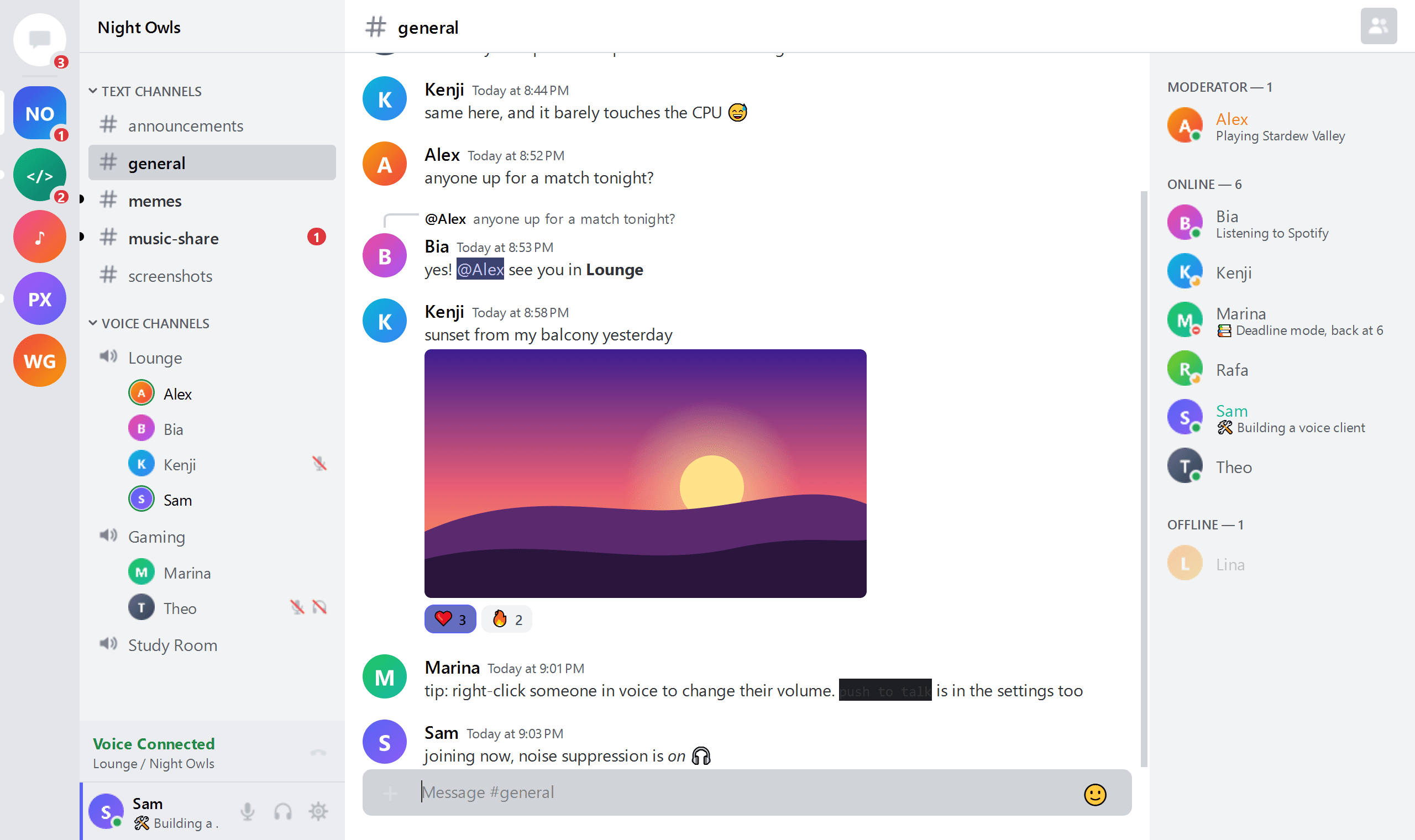
13 built-in themes, from pitch-black AMOLED to cozy Catppuccin. Then recolor anything with a click. Try them below.
Small app, big list
Encrypted calls
Voice uses Discord's end-to-end encryption (DAVE).
Clean audio
Noise suppression, echo cancellation and auto gain built in.
Push to talk
Hold a key to speak. Available on Windows.
Easy login
Scan a QR code with the mobile app, or use a token.
Notifications
Get notified about direct messages and mentions.
Two languages
English and Brazilian Portuguese, more welcome.
Ready to hop in?
Free and open source. Pick your system and grab the latest version from GitHub.
Windows
Windows 10 / 11
If you see “Windows protected your PC”, click More info → Run anyway.
Download for WindowsmacOS
macOS 12+ · Apple Silicon
Drag it to Applications, then right-click Snapcord → Open → Open the first time.
Download for macOSLinux
x86_64
For the AppImage, run chmod +x and open it.
Builds are not signed with paid certificates yet, so your system may warn you the first time. On Arch? Look for snapcord-bin on the AUR.
Please read before using
Snapcord is an independent project and is not affiliated with, endorsed by or sponsored by Discord. Using third-party clients violates the Discord Terms of Service and may get your account banned. Use it at your own risk.